Trance Support
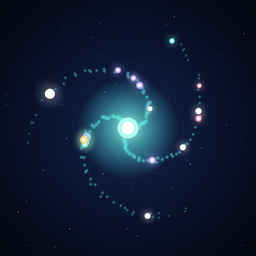
Focus, and your galaxy grows
Frequently asked questions
Can I leave the app or lock the screen during a session?
By default, yes. The timer keeps running and notifies you when it finishes. With Stay in App enabled, leaving the app or turning off the screen during a session fades that session's star.
Can I delete a faded star?
Tap the faded star in My Galaxy, then tap the trash icon.
How do I fine-tune the duration?
Turn the timer ring to adjust one minute at a time. One lap is 60 minutes, up to 180. You can also tap the time readout to use the wheel picker.
I can't hear the focus sound.
Choose a sound under Settings → Focus Sound and check your device volume. You can also change it with the speaker button in the upper-right corner of the focus screen.
I can't see the widget or lock-screen timer.
Touch and hold your Home Screen to add the Trance widget. Live Activity appears on the Lock Screen and, on supported devices, Dynamic Island after you start focusing.
Does my data sync across devices?
Focus history and your galaxy are currently stored only on your device. Cross-device sync is not available yet.
Is Trance free?
The core features — focus timer, galaxy, stats, sounds, and widgets — are all free, with no ads. Some features, like app blocking during focus, are part of the optional Trance Pro subscription; the first three protected sessions are free to try.